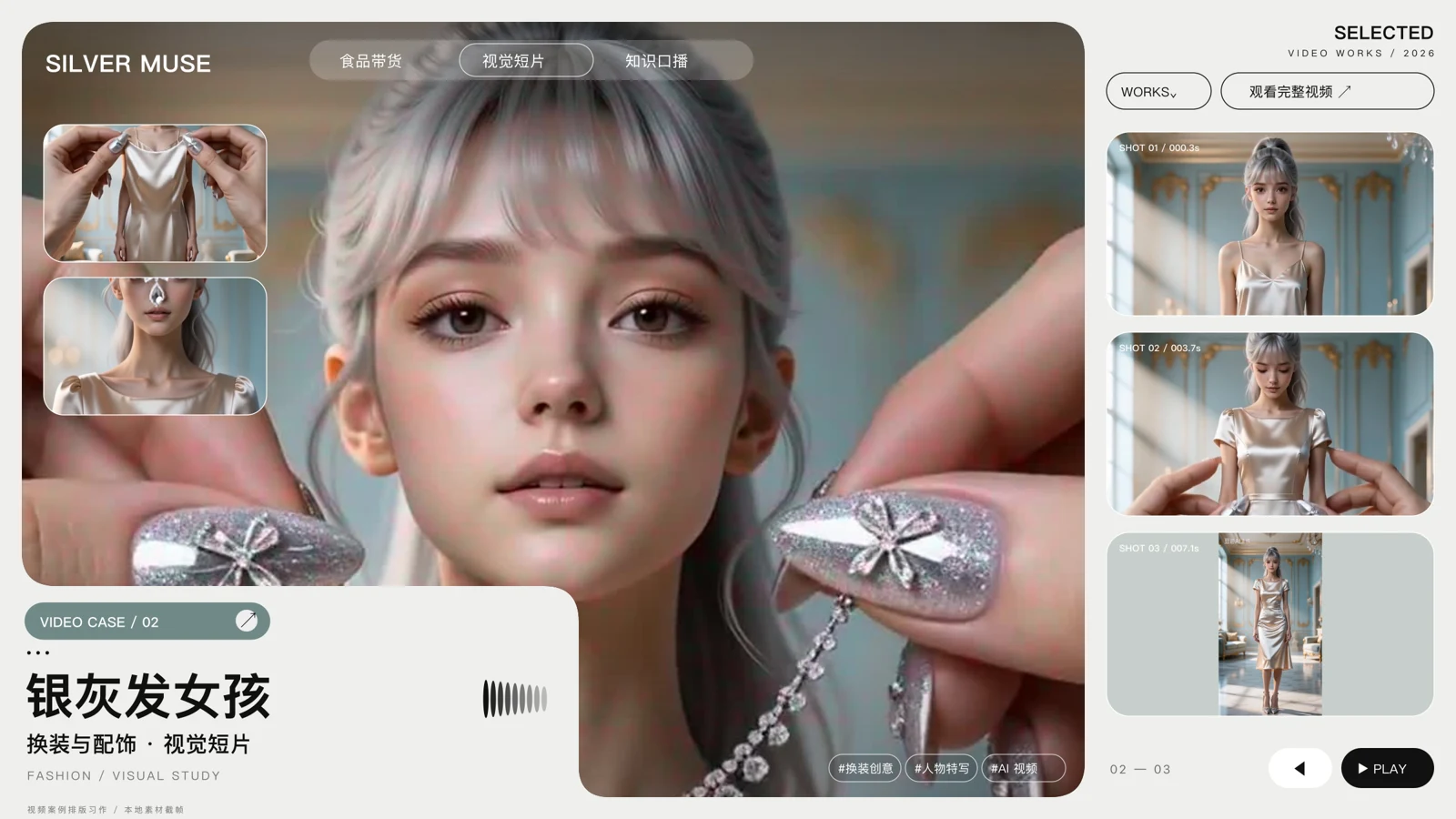
Find the same audience, then borrow structures across categories. Separate the hook from the buying reason, insert product facts and expand a template into car, mirror and pre-party scenes.
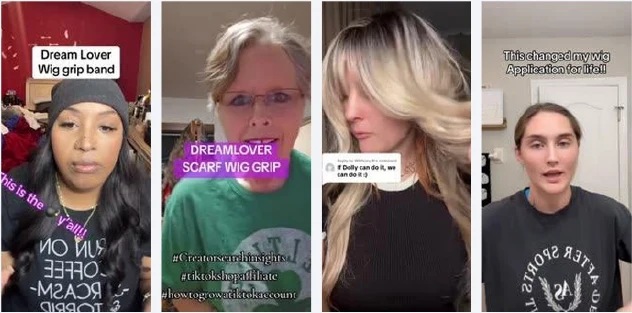
The source labels the wig images as “historical TikTok / Instagram reference video keyframes.” They remain references for structure analysis and adaptation. View original materials ↗
VISUAL REFERENCES
Explore more formats with existing material.
General video material from the source for planning platform adaptations; specific publishing platforms were not disclosed.
The following service workflow applies the case method, scoped to the account, product brief and available assets.
01 / CONTENT WORKFLOW
Reels workflow
Define the audience and product facts; separate reference hooks, buying reasons and visual evidence.
Keep the core structure and vary mirror, car or before-going-out scenarios into scripts and shot tasks.
Match footage and generated shots, prepare captions, voiceover and covers, then review before testing.
OUTPUTS
Script templates, storyboards, shot tasks, captions, covers and post copy.
02 / CONTENT WORKFLOW
Image workflow
Turn the same product brief into questions, steps and buying reasons for a multi-image sequence.
Organize product images and storyboards into a cover, image copy, title and post text.
Review character, product and copy consistency, then track saves, profile visits and relevant enquiries.
OUTPUTS
Image sequence, cover, visual cards, copy, review records and feedback log.
Bring the method to your team.
Start with one product, one asset batch and one content test. Define inputs, review owners and feedback metrics; publishing depends on account permissions and platform support.
 View full image ↗